
Feedback right on the work,
whatever the file
Photoshop and InDesign files, PDFs, videos and more open straight in the browser. Reviewers point, draw and suggest changes on the design itself, with no software to install.

Open the files your team really makes
Upload the source file, not a screenshot of it. ProofNow turns design files into pages anyone can review, on any computer.




Images
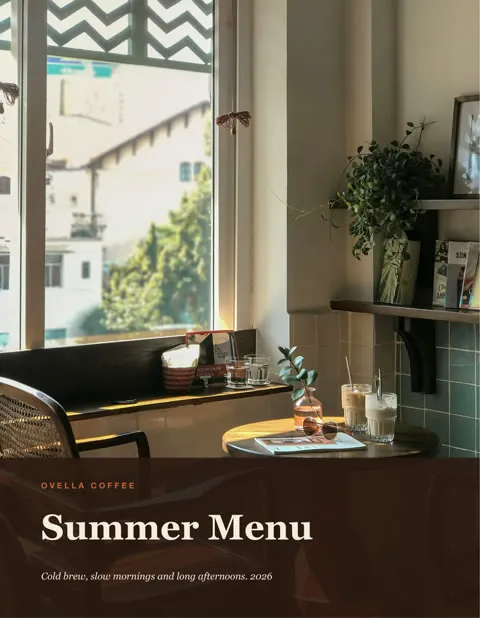
JPG, PNG, GIF, WebP, AVIF, SVG, TIFF, HEIC

Adobe and design files
Photoshop, Illustrator, EPS, InDesign

Documents
PDF, Word, PowerPoint, text and CSV
Video
MP4, MOV, MXF, WebM, AVI and more
Audio
MP3, WAV, AAC, FLAC, M4A


Fonts and subtitles
TTF, OTF, SRT, VTT
- RAW photos
- Excel
- Premiere Pro
- After Effects
- Sketch
- ZIP
 RAW photos
 Excel
Excel Premiere Pro
 After Effects
 Sketch
 ZIP
ZIPA toolbar made for creative feedback
Pick a tool to see it on real Ovella files. Every tool has a one-key shortcut, so reviewers can move fast.
Point at exactly what you mean
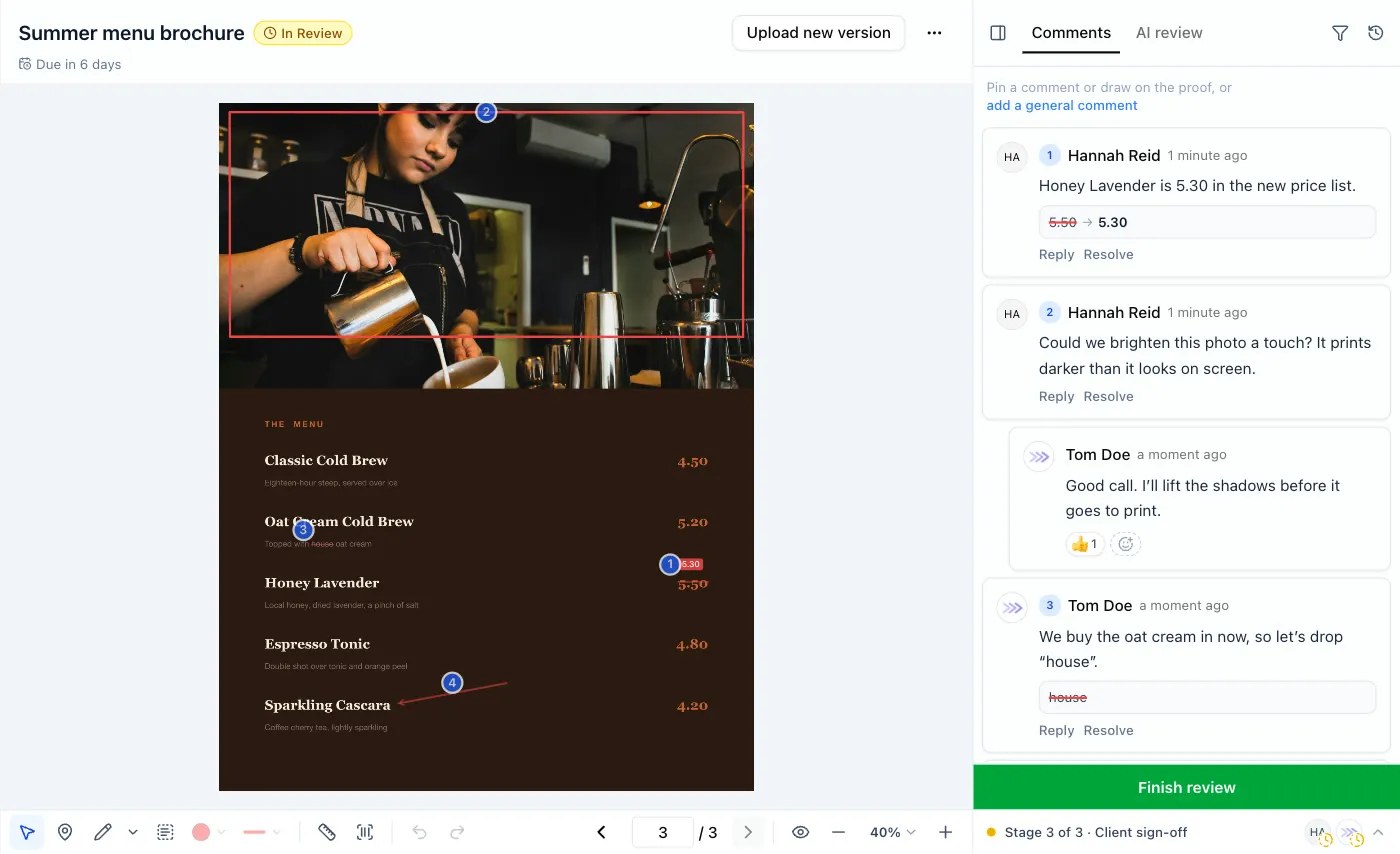
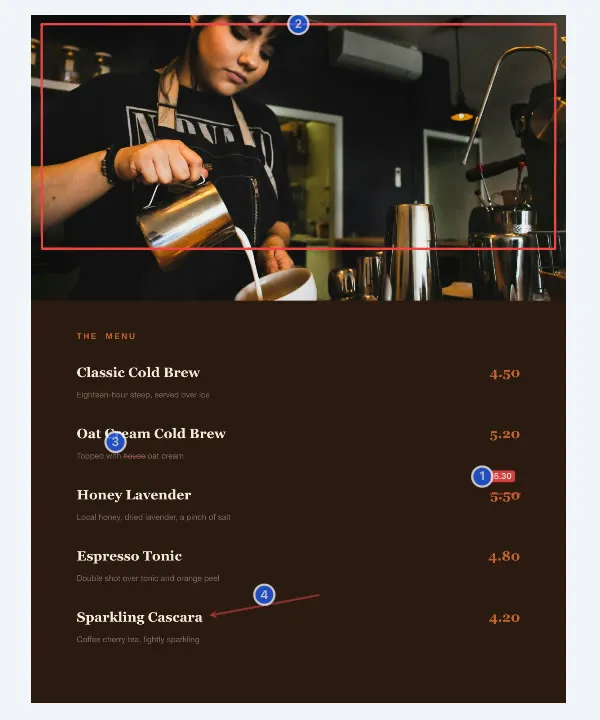
Draw boxes, circles, arrows, lines or freehand right on the work. Each drawing becomes a numbered comment, so nobody has to describe where “the thing at the top” is.
Shortcut: P
Suggest the exact wording
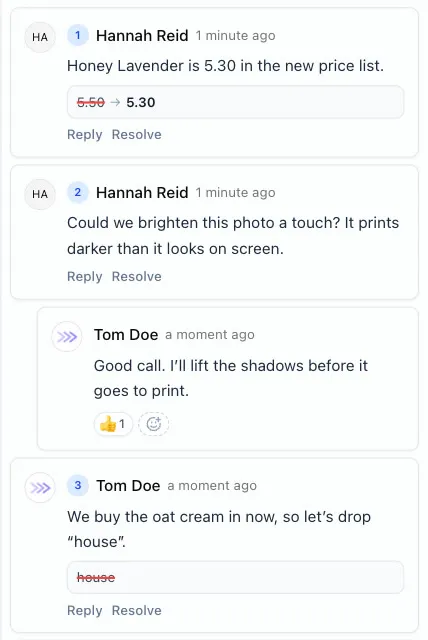
Select words to highlight them, cross them out or replace them. ProofNow reads the text in PDFs, images and design files, so copy changes are clear and easy to copy across.
Shortcut: T
Check margins and sizes
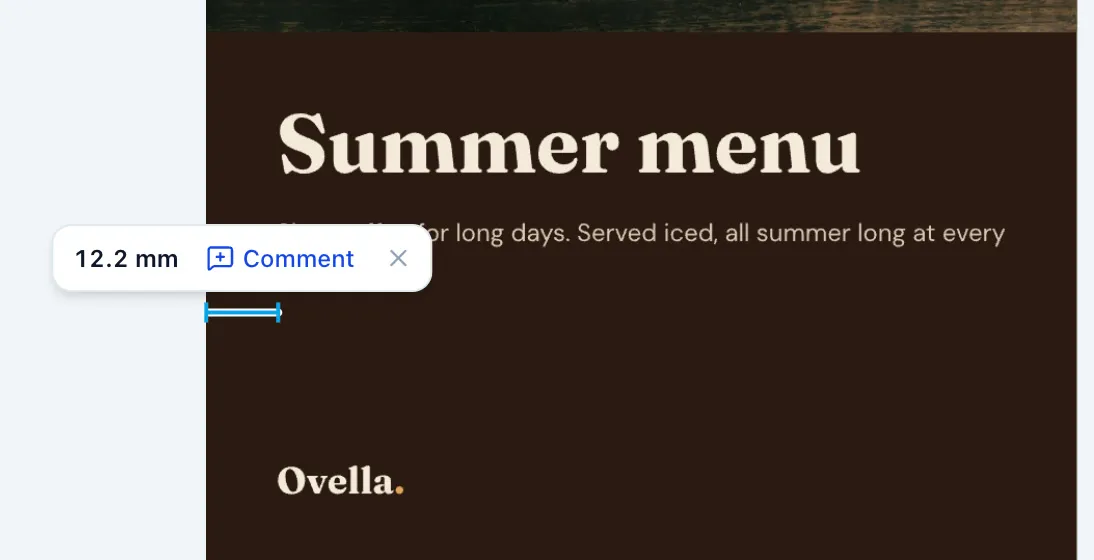
Drag a ruler across the artwork to check a margin or a gap. PDFs measure in millimetres, images in pixels, and any measurement can become a comment.
Shortcut: M
Check barcodes and QR codes before print
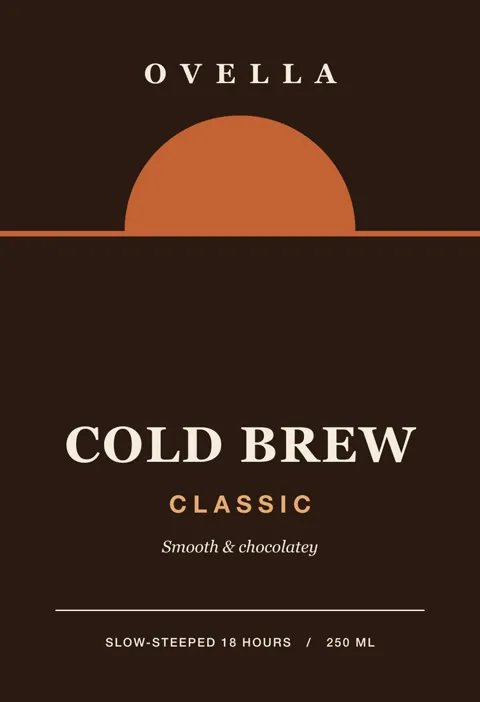
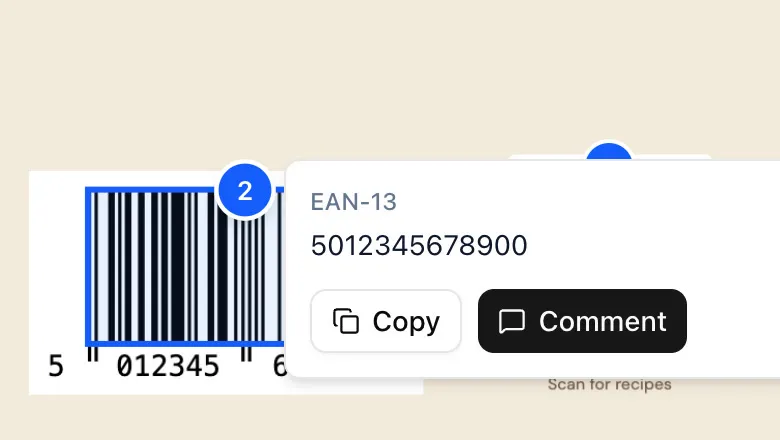
ProofNow finds the barcodes and QR codes on packaging and labels and shows what they contain, so you catch a wrong number or a broken link before thousands are printed.
Shortcut: B
See the clean artwork any time
Hold the space bar to hide every comment and drawing for a moment, and look at the design the way your audience will.
Shortcut: Space
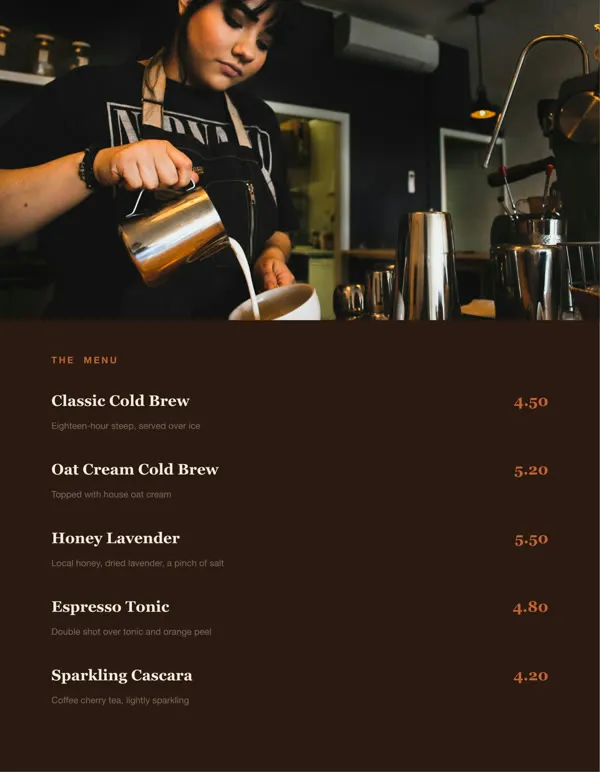
Notes pinned to the exact second
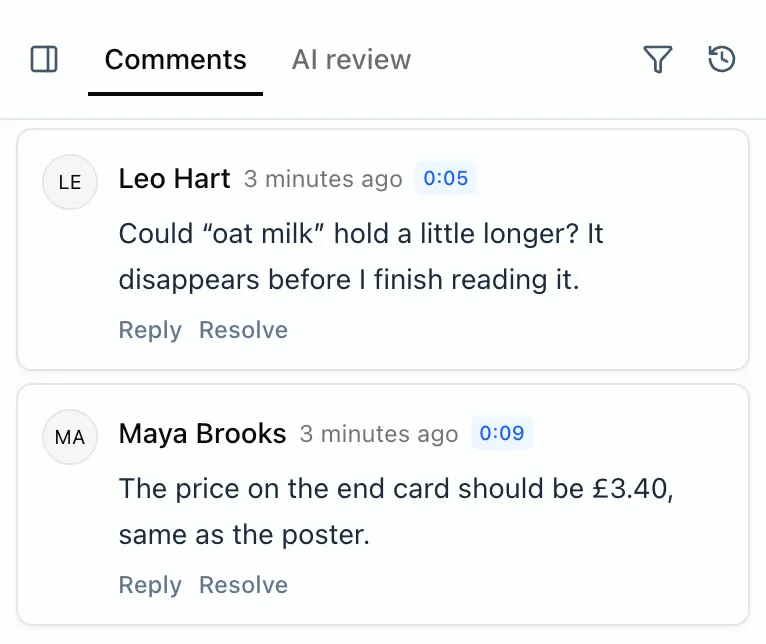
Pause a video or audio file and add a note. It is saved with the time, and clicking it jumps straight back to that moment. No more “around the middle, after the logo”.

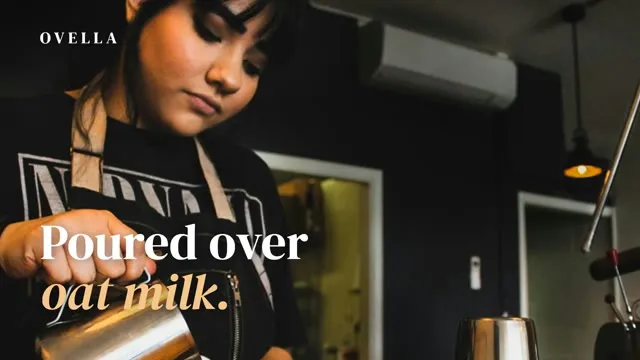

Ovella’s 12-second social video, with comments from brand and copy at 0:05 and 0:09.
Spot every change between versions
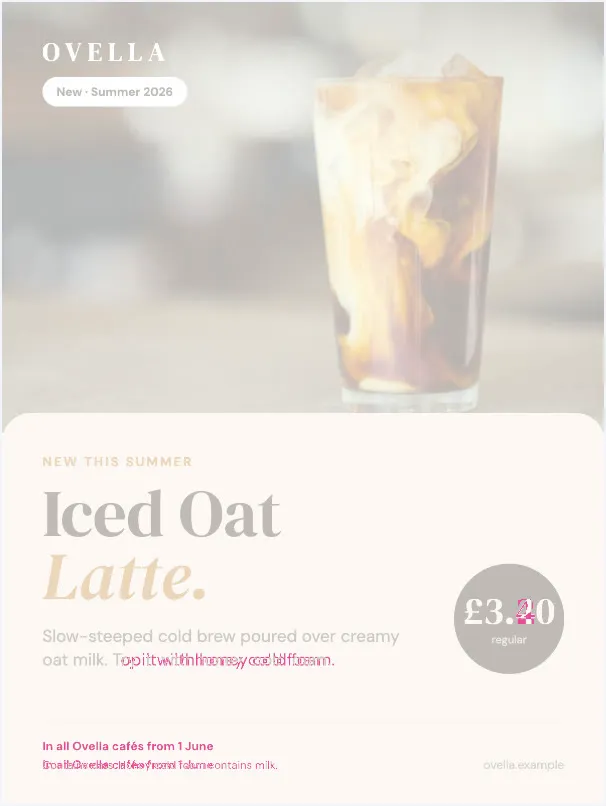
When version 2 arrives, check that every fix made it in and nothing else moved. Here, a new price, a copy change and an allergen line.
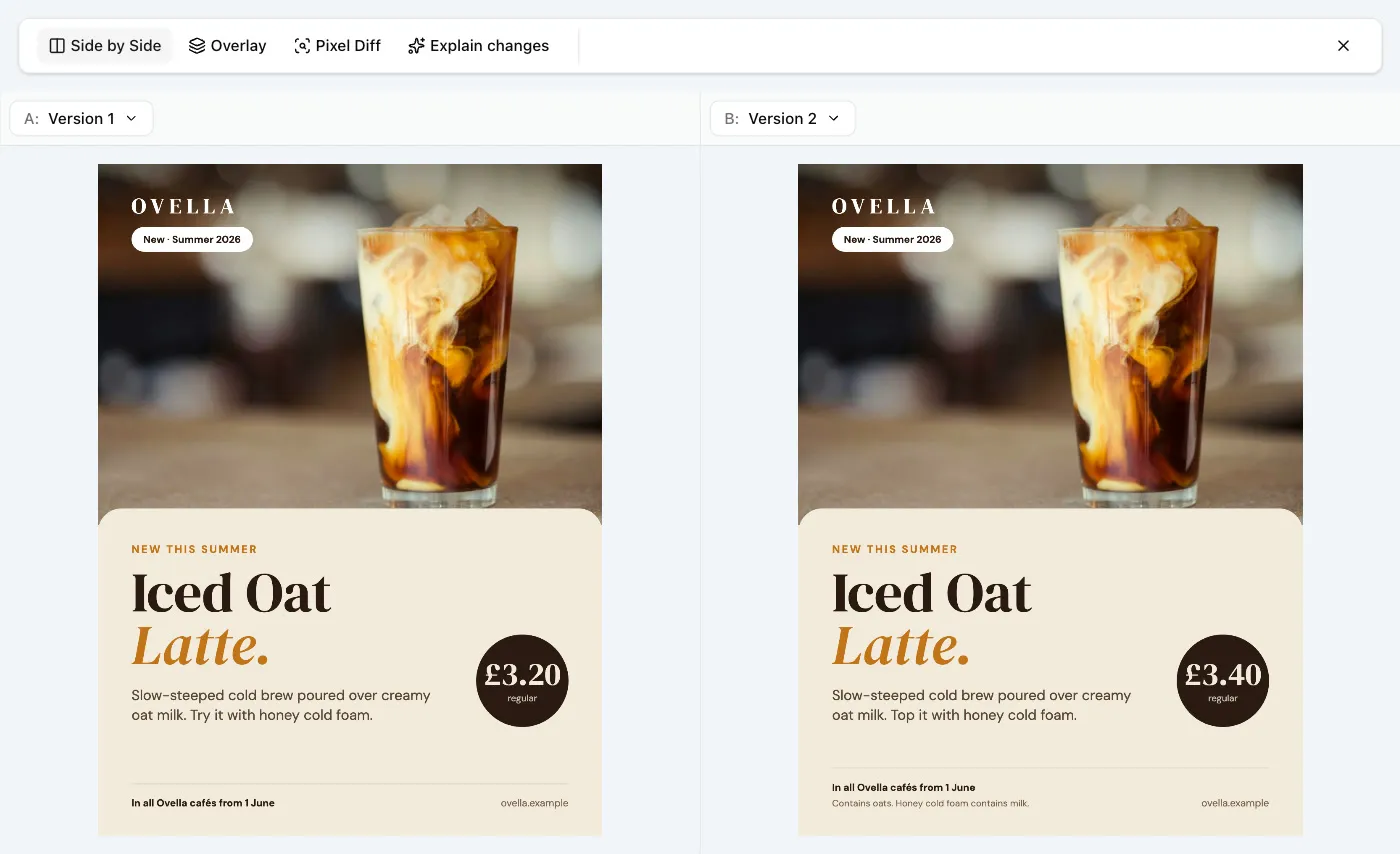
Side by side
Two versions next to each other, at the same size.
Overlay
Fade one version over the other to spot shifts.
Pixel difference
Every changed pixel highlighted, with a count.
The details that save a round
Small things that keep feedback clear and reviews moving.
Conversations, not comment piles
Reply in threads, react, @mention a teammate and resolve comments once they’re done.
Send feedback in one go
Comments stay as private drafts until the reviewer finishes, then go out together.
A whole set in one proof
Put a video, its stills and the packaging in one proof and review them together.
Every page, every version
Comments stay on the page and version they were made on, so nothing gets mixed up.
Keep feedback from Acrobat
Upload a PDF that already has comments and they appear in ProofNow too.
Originals always available
Reviewers can download the original file whenever they need a closer look.
File proofing questions
Do reviewers need Photoshop, InDesign or Illustrator?
Which file types can we review?
Can we comment on a video at a specific moment?
Can reviewers suggest text changes?
Can we see what changed between versions?
Can one proof contain several files?
Stop describing feedback. Point at it.
Add ProofNow to monday.com, upload your first file and invite reviewers in minutes.